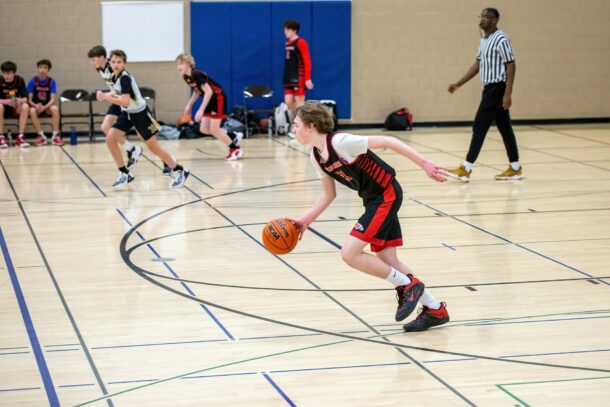
An AI player development plan starts with what you know about the player: their role, strengths, two or three things to improve and how much time they have. Give that to an AI tool and ask for a simple weekly plan with drills, goals and a way to track progress. Then review it with the player. AI does the writing. You do the coaching.
Every player on a roster deserves a plan, not just the starters. Before AI, writing 15 individual plans took days. Now it takes an afternoon.
Coming up later in the season, these will help too: building AI basketball drills and an AI winter break workout.
Why every player needs an AI player development plan
That’s because players improve faster when they know exactly what to work on. Also, a plan tells a player you care about their growth, even if they aren’t playing a lot right now. Our post on basketball skill development covers the bigger picture.
Step 1: Write your notes on each player
For each player, jot down their role, two strengths and two or three things to improve. So be specific. “Better shooter” isn’t enough. “Shoots 55 percent from the line and fades on jumpers” is something a plan can fix.
Also, use jersey numbers or first names only. Keep private information out of AI tools.
Step 2: Prompt your AI player development plan
Here’s a prompt that works:
“Create a 4 week individual development plan for a high school basketball guard. Strengths: quick first step, good passer. Needs to improve: free throws, weak hand finishing, defensive stance. The player has 30 minutes a day, 4 days a week, with a ball and a hoop. Give drills, rep goals and a simple way to track progress each week.”
Tools like Claude and ChatGPT can build that in a minute.
Step 3: Edit with your drills and language
However, AI will suggest generic drills. Swap in the ones your program uses and the terms your players know. For example, our ball handling drills and free throw routine fit right into most plans.
Step 4: Meet with the player
Then sit down for five minutes. Walk through the plan and ask what they think. That matters because players buy in when they help shape the goals.
Step 5: Track and adjust the AI player development plan
Next, have players log their reps or makes. Every two weeks, check in. If they’ve hit their goals, update the plan. If not, find out why. AI can help here too. Paste in their numbers and ask what to change.
Use film to make it sharper
If you have game film, clips also make a plan more concrete. AI film tools can pull every shot or turnover for a player. Read our post on AI and game film to see how.
Keep an AI player development plan age appropriate
Meanwhile, younger players need fun and variety more than structure. USA Basketball has good youth development guidelines. Keep plans short and simple for kids under 12.
An AI player development plan is a starting point
The plan is only as good as the relationship behind it. Use AI to save time, then spend that time encouraging players and checking in. For more on AI practice tools, see AI practice planning for youth basketball.
We have player development programs and AI coaching resources at TeachHoops.com.

Latest Posts
- How AI is changing youth sports scheduling for families and coaches
- Basketball hand signals: How to call plays when players can’t hear you
- How to use AI to plan a game week of basketball practice
- How to run a basketball film review session with players
- How to have a playing time conversation with a player